
Automation Testing Basic Guide
Before jumping into any test tool, let’s go through some basic concepts of automation testing. If you are already aware of few things listed below then please free to move to the next topic.
What is Automation Testing?
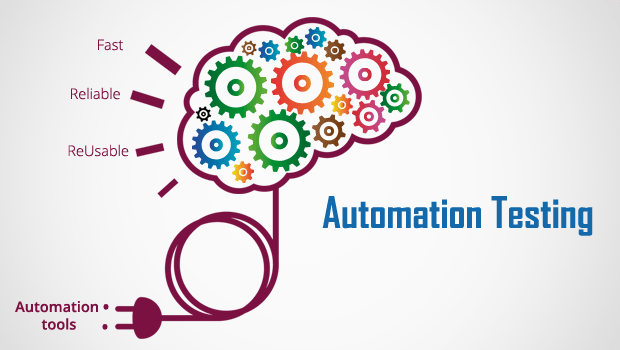
The test scenario which is executed by some tool is called Automation testing. Automation Testing is the process of using tools, scripts, and software to perform test cases by repeating pre-defined actions.
Why Automation Testing is needed? Or Goal of using Automation Testing
There are many points which we can consider why automation testing is needed or is important.
- The basic reason is that It does not require manual intervention.
- It is easy to run the automation script for multilingual sites then testing it manually
- Increases the speed of testing
- Manual Testing can become boring and hence error-prone.
- Running Tests 24/7: One can start the test from anywhere in the world and anytime one wants to.
- Reusability: The scripts are reusable and you don’t need new scripts every time.

Is Automation Testing is an alternate to Manual Testing?
No. It is not an alternative to manual testing. Since every test scenario can not be tested automatically. There are certain criteria to automate the test cases. If something does not fulfill the scope of automation then it can not be automated. And hence we can not completely rely on Automation Testing.
Difference between Manual & Automation Testing
Which test cases should be automated?
We can consider the below scenarios where the test cases can be automated.
- Test Cases that are very tedious or difficult to perform manually
- Test Cases which are time-consuming if they run manually
- Some common functionalities used across the website
- Test scenarios which have a large number of data to be cross verified during the test. E.g. Form Submission, User Registration etc
- It also depends upon the complexity of the test cases
- The automated test case should be executed over a different set of browsers. If the automated test case can be run on a specific browser then there is no use of automation feature since the site needs to be tested over multiple browsers. In short, there should cross-browser compatibility.
The following category of test cases is not suitable for automation.
- Test Cases that are newly designed and not executed manually at least once
- Test Cases for which the requirements are frequently changing
- Test cases which are executed on an ad-hoc basis.
Note: Maintenance of automated test cases is very important. As new functionalities or features are added, the automation Scripts need to be added, reviewed, and maintained for each release cycle.